

SOS Steel Operations Portal
We partnered with SOS Steel to rebuild the operations system its team grew on, turning a basic first version into a portal the whole company can run on.
SOS Steel runs estimating, shop scheduling, change orders, deliveries, billing, and crew management at the same time, and the people doing that work need one place to see all of it.
The client already had a basic first version in place, shaped by people who work in steel production and know their workflow best. It captured the concept, but the overall functionality was not there yet. As the business leaned on it more, it needed new features, a tested structure, and a consistent design to keep up. Our objective was to carry the concept forward and give every module a shared foundation.
We rebuilt the system entirely, including the UX and UI design, and added the features the client asked for on top, module by module, on a real design system. Thirteen modules now share one structure, and five roles each see the screens their job needs. Printed documents, from time cards to AIA G702 and G703 forms, match the paper forms the industry already uses.
Process
A Concept From People Who Know the Work
The app concept came from the client, who works in steel production and knows the workflow best. A basic first version was already in place, which gave us a clear starting point.
Functionality That Was Not There Yet
The first version captured the idea, but the overall functionality was not there yet. The UX and UI still needed design, and the client had features they wanted added on top.

Thirteen Modules, One Structure
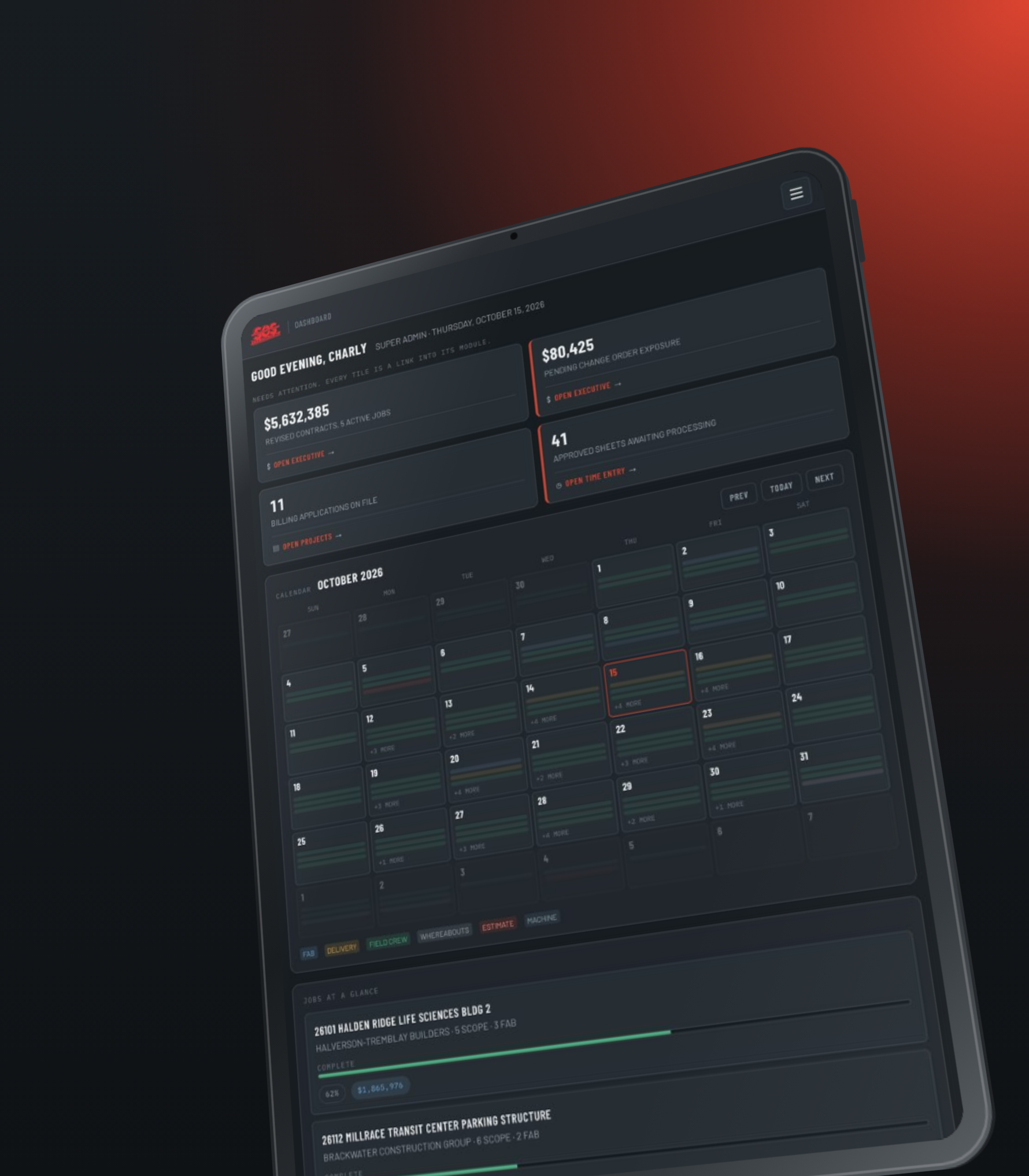
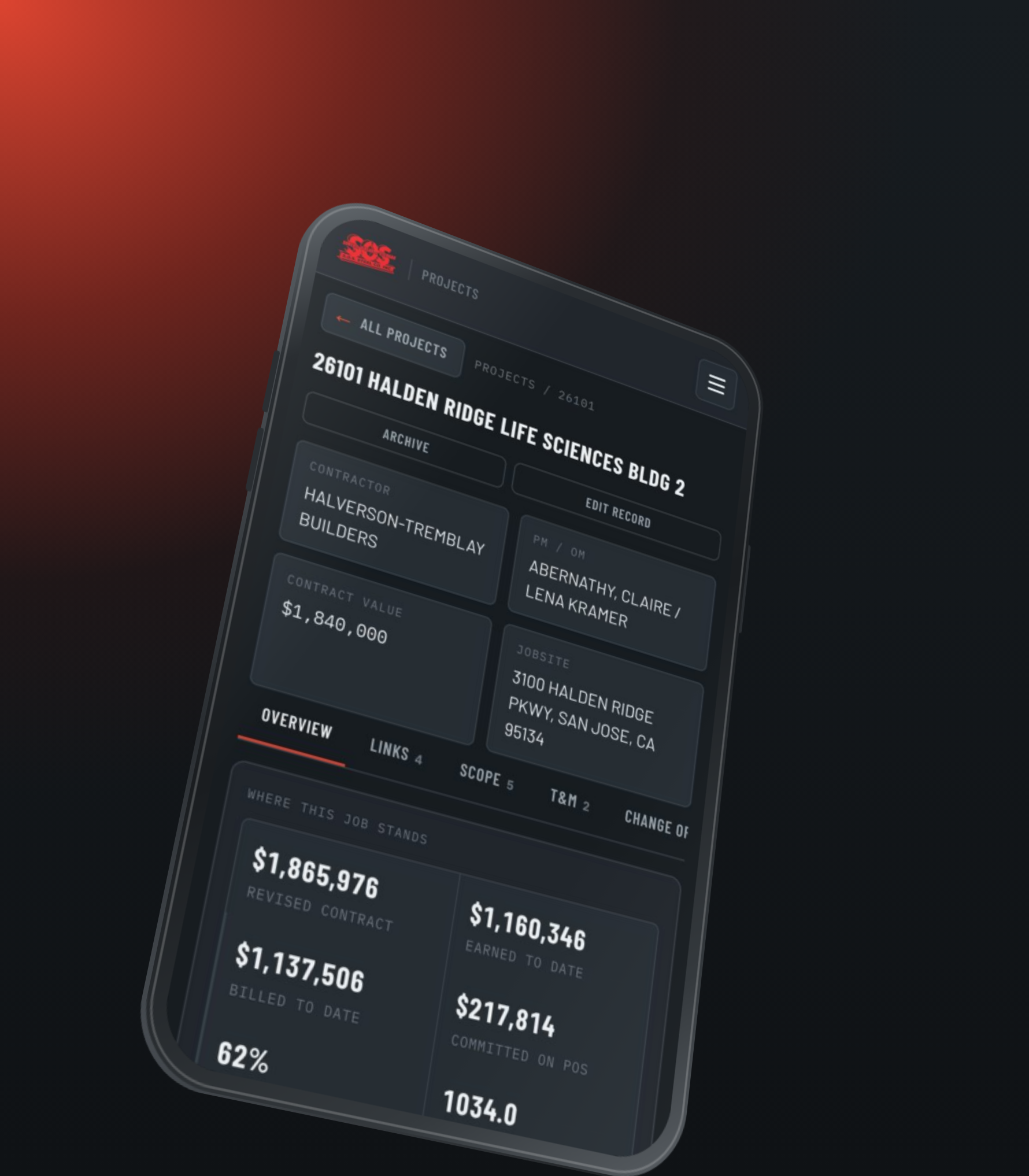
Thirteen modules, including estimating, shop fabrication scheduling, change orders, deliveries, AIA progress billing, work-in-progress reporting, crew management, and a machine timeline, now share the same components and the same logic.
Five Roles, Five Views
Role-based access gives each of the five roles the screens and actions its job needs, from a shop or field user submitting a signed time card on a phone to an executive reading work in progress across every job. The roles are Super Admin, Executive, Project Manager, Field & Shop, and Demo. No one works through an interface built for someone else.
Documents That Match the Paper
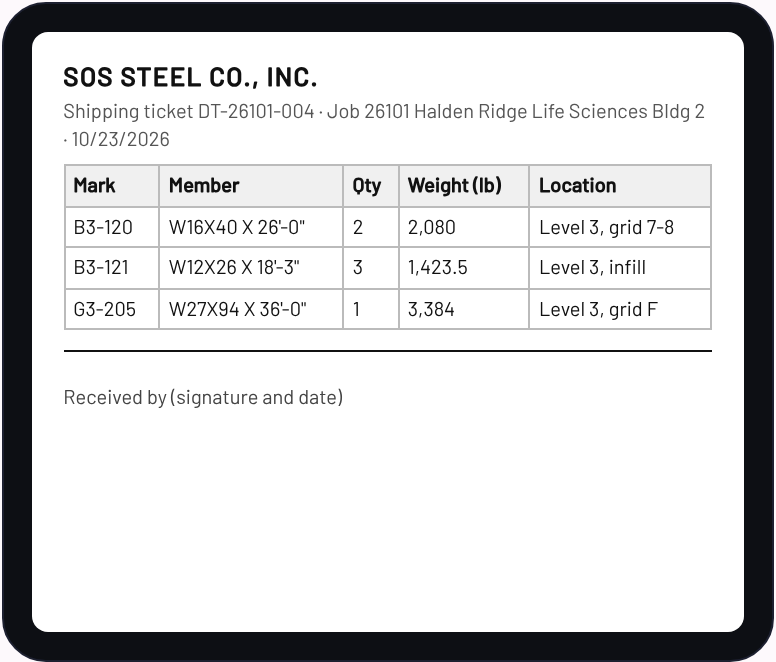
Time cards, shipping tickets, and AIA G702 and G703 forms print to match the paper forms the industry already uses, so the system fits the paperwork people already trust.
From Change Order to Pay Application
Change orders move through six steps: description, labor, material, hardware, equipment, and review, with an approval record on each one. Once a change order is approved, it shows up on the billing schedule as a line, with nothing to retype, and the next AIA application is created from the same figures.

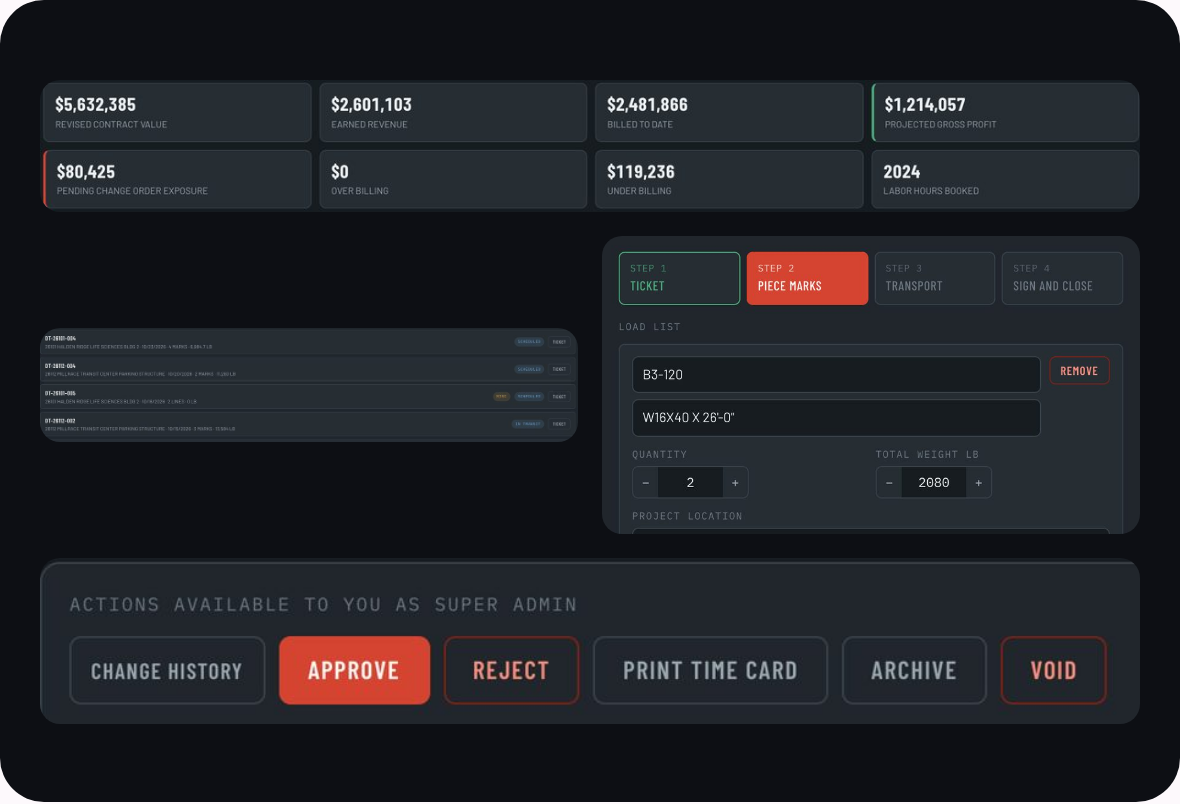

The portal was designed to work wherever the job happens. Every module was tested end to end on phone and desktop, so a schedule change or a delivery update reads the same at the shop as it does in the office.
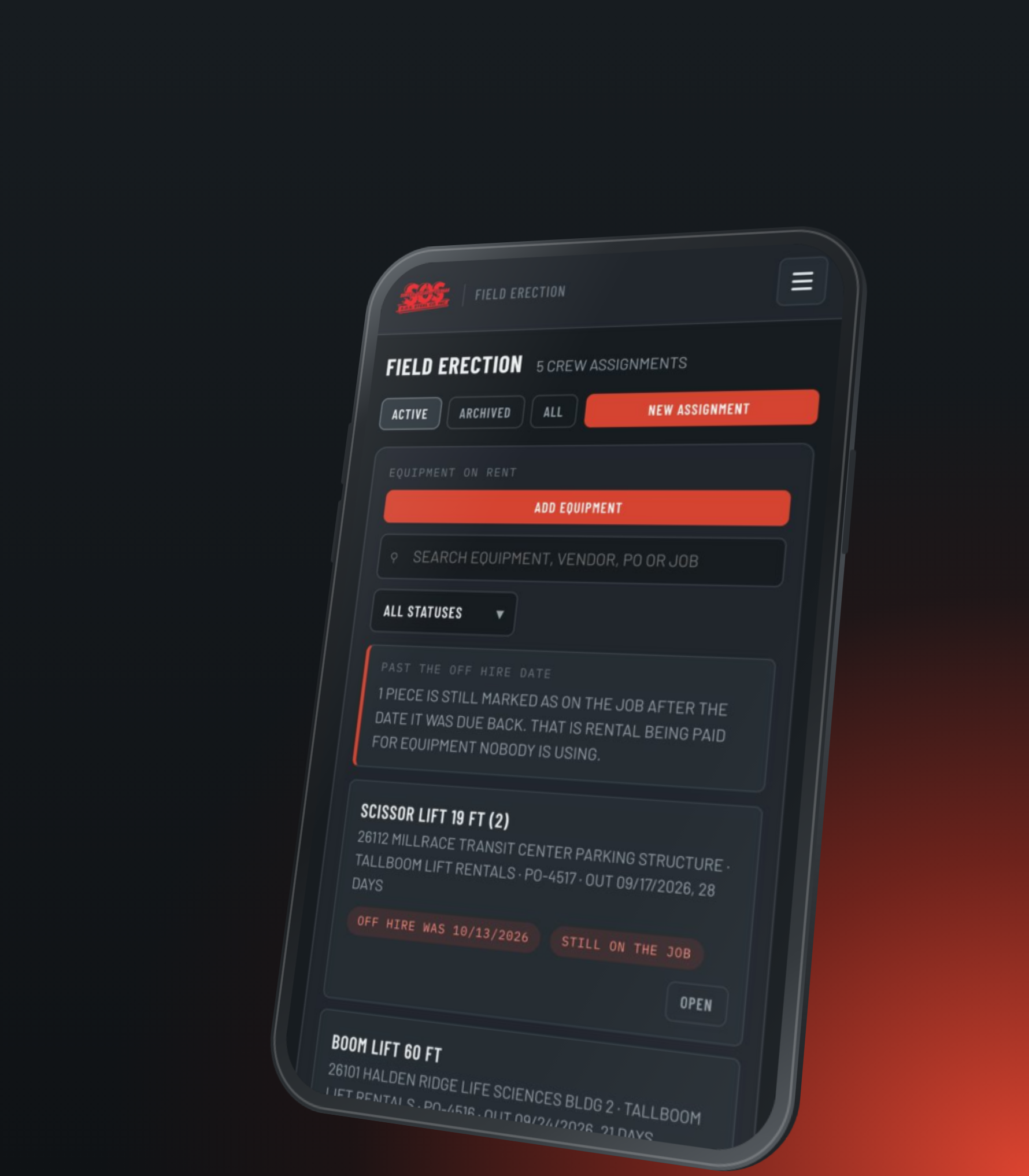
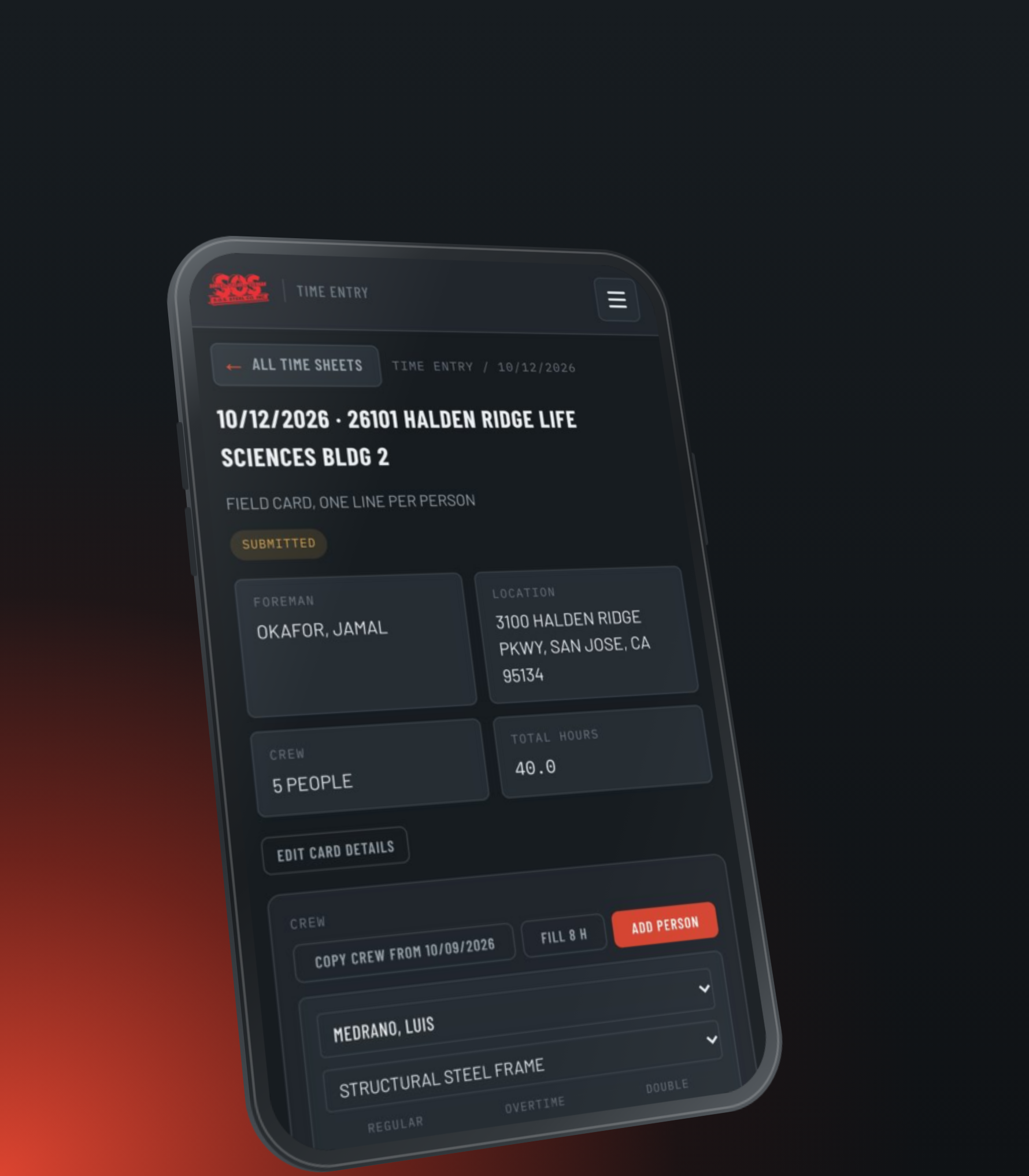
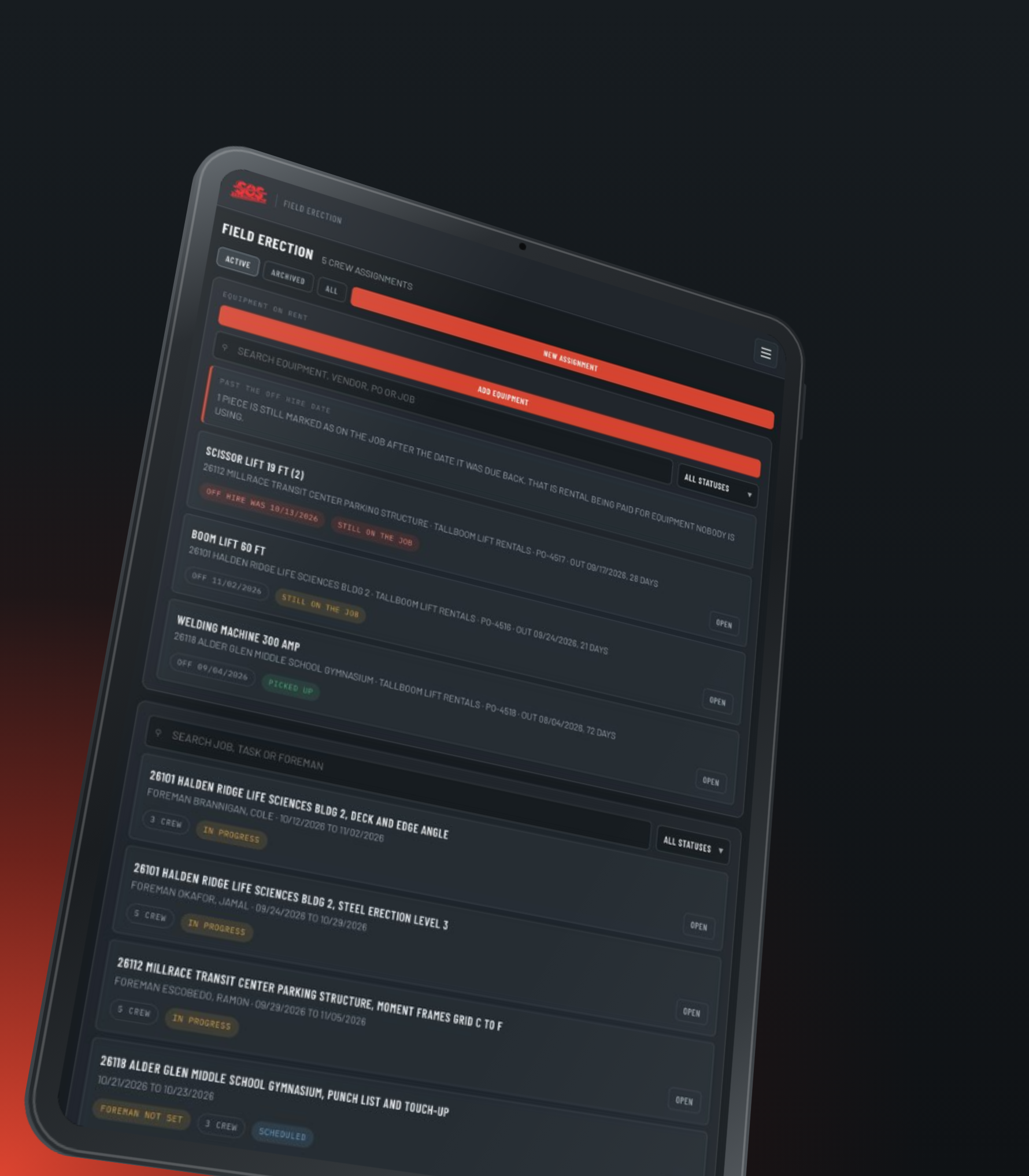
In the field, foremen enter one time card per job and day, with regular, overtime, and double time for each person and a signature on the card. Field Erection tracks crew assignments and flags equipment still marked on the job after its due-back date.
Each printed document follows the paper form it replaces, so crews, drivers, and project teams see the layout they already know.

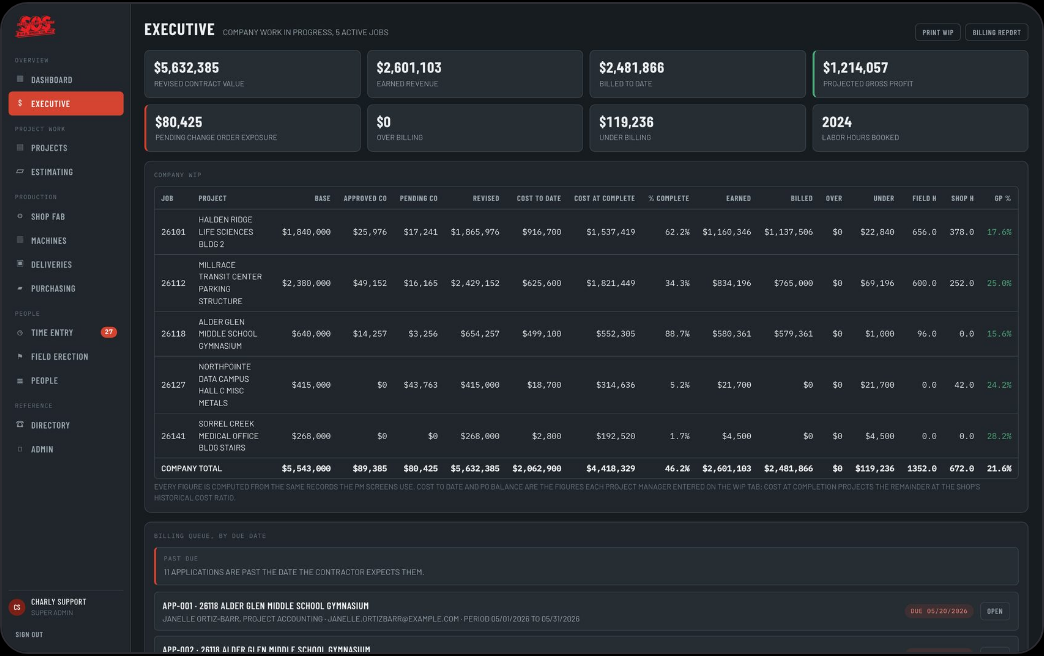
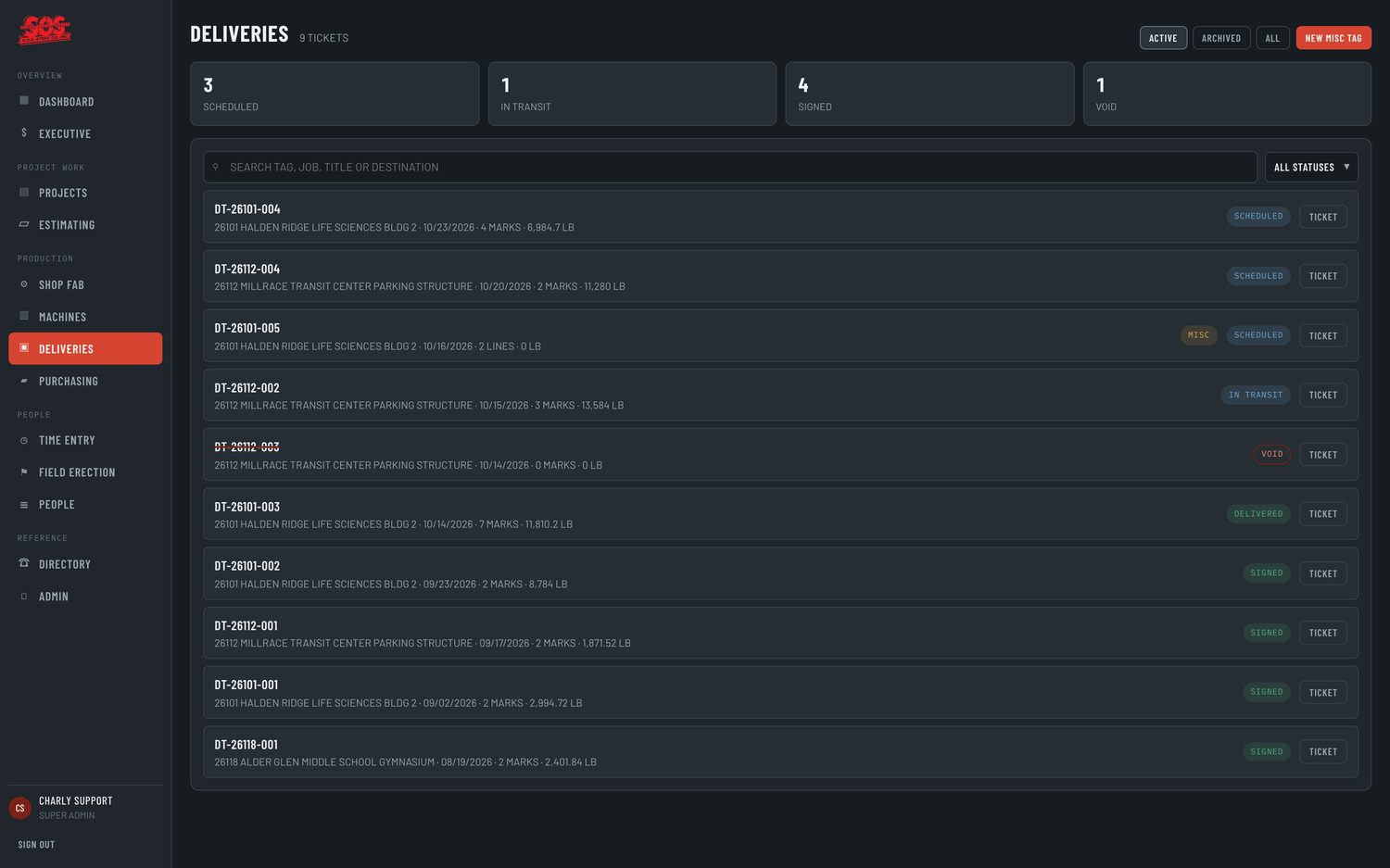
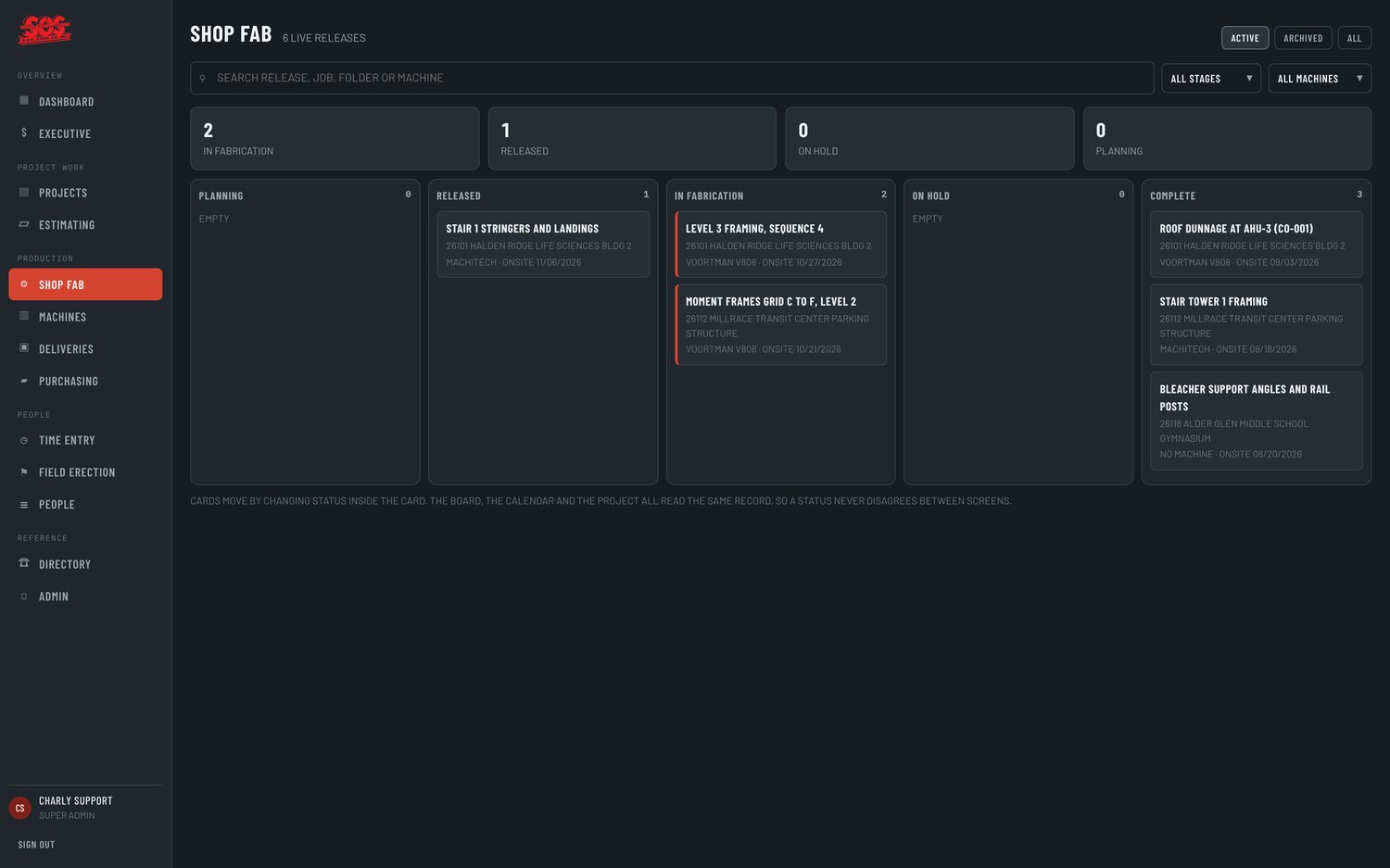
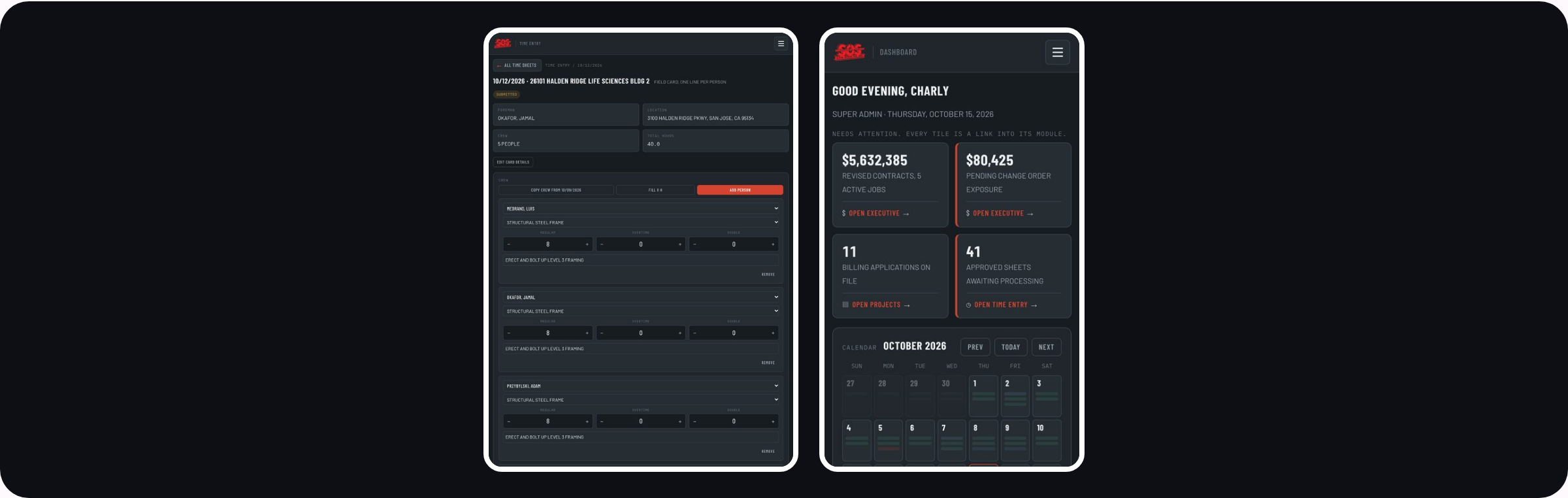
Each role sees its own screens, and the same portal adapts from desktop to tablet and phone, so the shop, the field, and the office work from the same records.
Most growing companies outgrow the system that got them there, and starting over is rarely the only answer. SOS Steel's team built something that worked. We kept what earned its place, fixed what didn't, and gave the whole system a structure a full team can run on, from the first estimate to the final invoice.
Planning a custom portal or app? See our web and mobile app design and development and maintenance services.